
After our Mahabalipuram sprint, Shamoon shared something that stayed with me long after the trip ended:
“I’ve realized we need to use our own products, Glific and Dalgo, more effectively. By ‘using,’ I mean becoming users ourselves for different use cases. This will help us better understand their strengths and identify areas that need improvement.”
As a developer, I’ve often been so deep into working on features or fixing bugs that I rarely step back to ask what are we really building? And more importantly, how does it feel to be on the other side, as a user?
So, ahead of the next sprint, I wanted to experience the process end-to-end, from planning to execution much like how an NGO might run a small pilot. That’s when the idea for the Sprint Bot started to take shape.
The first thing I did was reach out to our sprint planning group Abhishek, Anto, Deepak, and Diana and pitched the idea:
“What if we had a bot for session nudges and reminders?”
On the surface, it seemed simple: a flow and a trigger. But once I got started, the complexity quickly revealed itself.
Version One: A Simple Start with a Few Bumps
In theory, all I had to do was set up a scheduled flow to send reminders. But I quickly realized we had 8 to 12 messages going out each day at specific times. Doing this manually or with individual triggers would be messy and hard to scale.
The next logical step was to try a dynamic flow using custom expressions to get the current time and then pulling the message content from a Google Sheet using it as a key. But I hit a snag. Even with a time-based trigger, by the time the flow started and fetched data from the Sheet, a few seconds and sometimes even a full minute had already passed. That delay made the reminders unreliable.
Version Two: Enter Google Apps Script
So I tried a different approach.
I wrote a Google Apps Script that worked alongside a Google Sheet with five columns: Key, Date, Message, and Processed. The script scanned the Sheet, created time-based triggers for each scheduled message, and when the time came, it would start a Glific flow using the message’s key. Inside Glific, the flow fetched the message from the Google Sheet using the @results.message_number variable, passed through the “Start a Flow” API and the “Link a Google Sheet” node.
When it worked… It felt amazing. A simple setup but it worked exactly when and how I wanted. I was thrilled and super excited for the sprint to begin.


But Then I Noticed Something…
I had spent a day testing everything, and that’s when I spotted the problem.
Yes, the reminders were on time. The bot was doing its job. But it was quiet. There was no engagement. No replies. No reactions. Just another ping in a sea of pings.
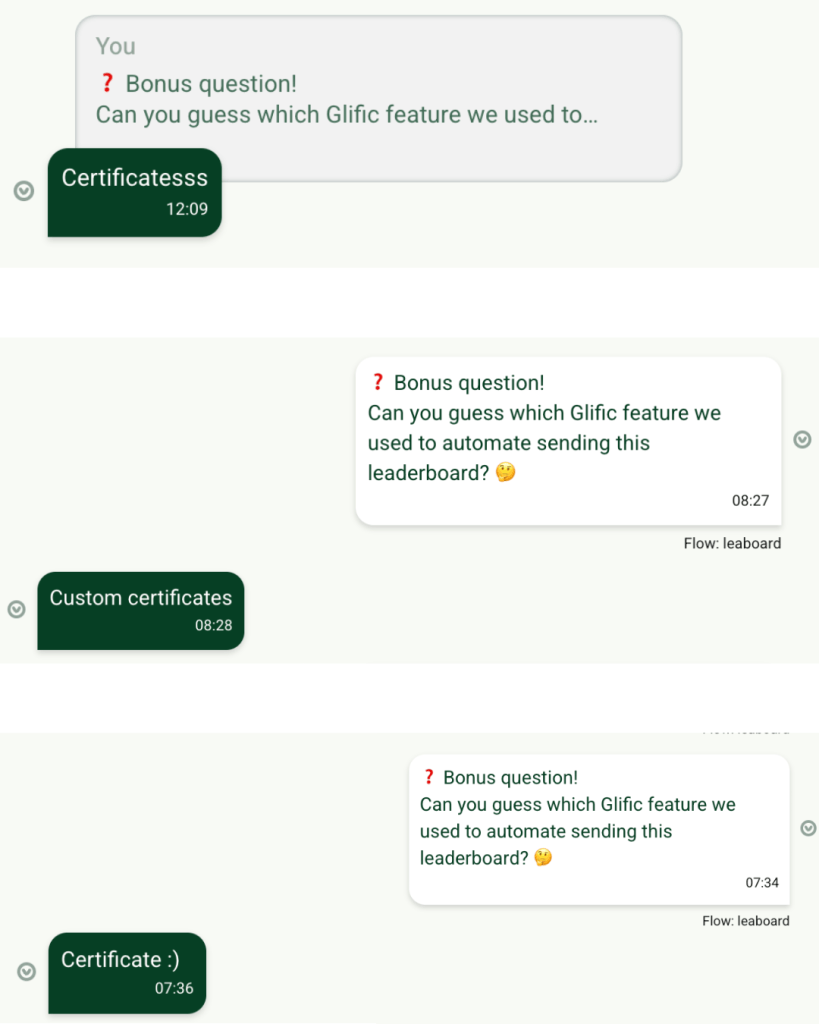
I wanted to take it one step further to make the bot more than just functional. I wanted it to be engaging. So I thought of adding a few simple interactive elements to see if that would make the experience more engaging. And once the bot was live during the sprint, it was great to see people actually responding and playing along, answering questions, and interacting with it.
There were photo scavenger hunts, quick trivia questions, and quirky little games slotted between sprint sessions. These tiny touches added a playful spark to the day and the bot started to feel less like a tool and more like a part of the sprint.
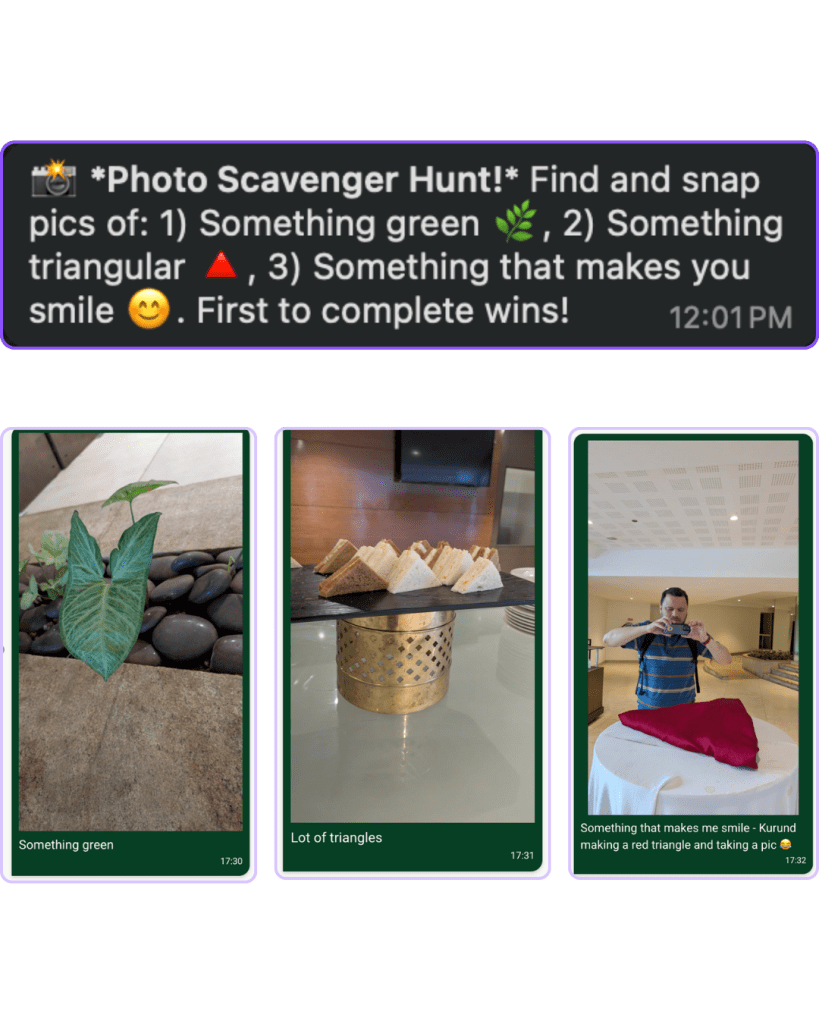
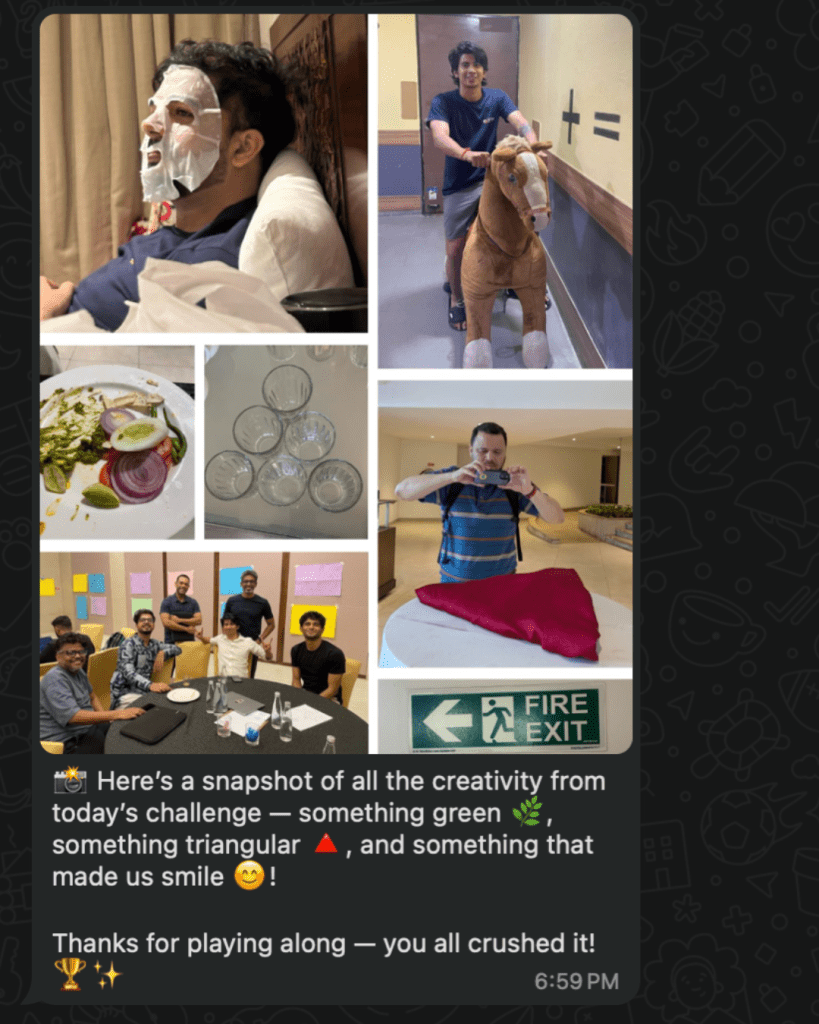
The Daily Sprint Schedule
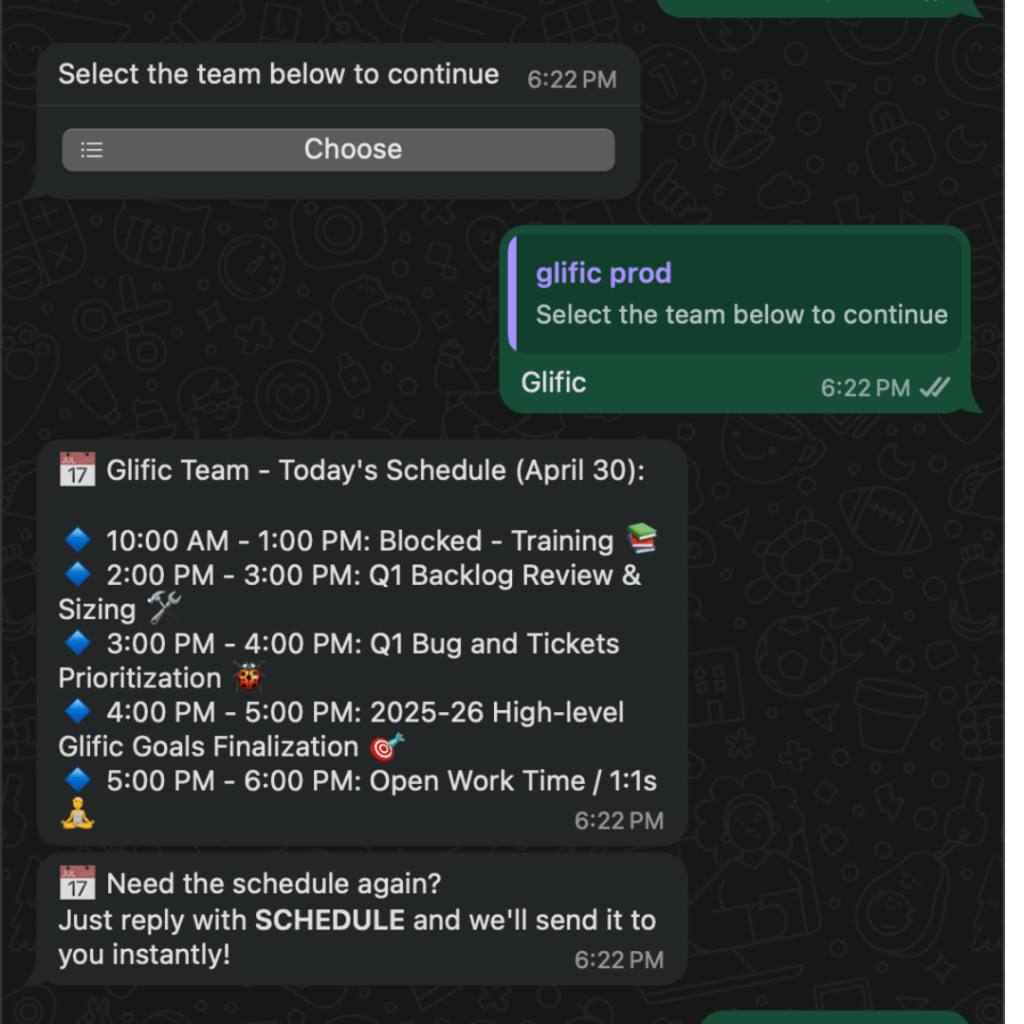
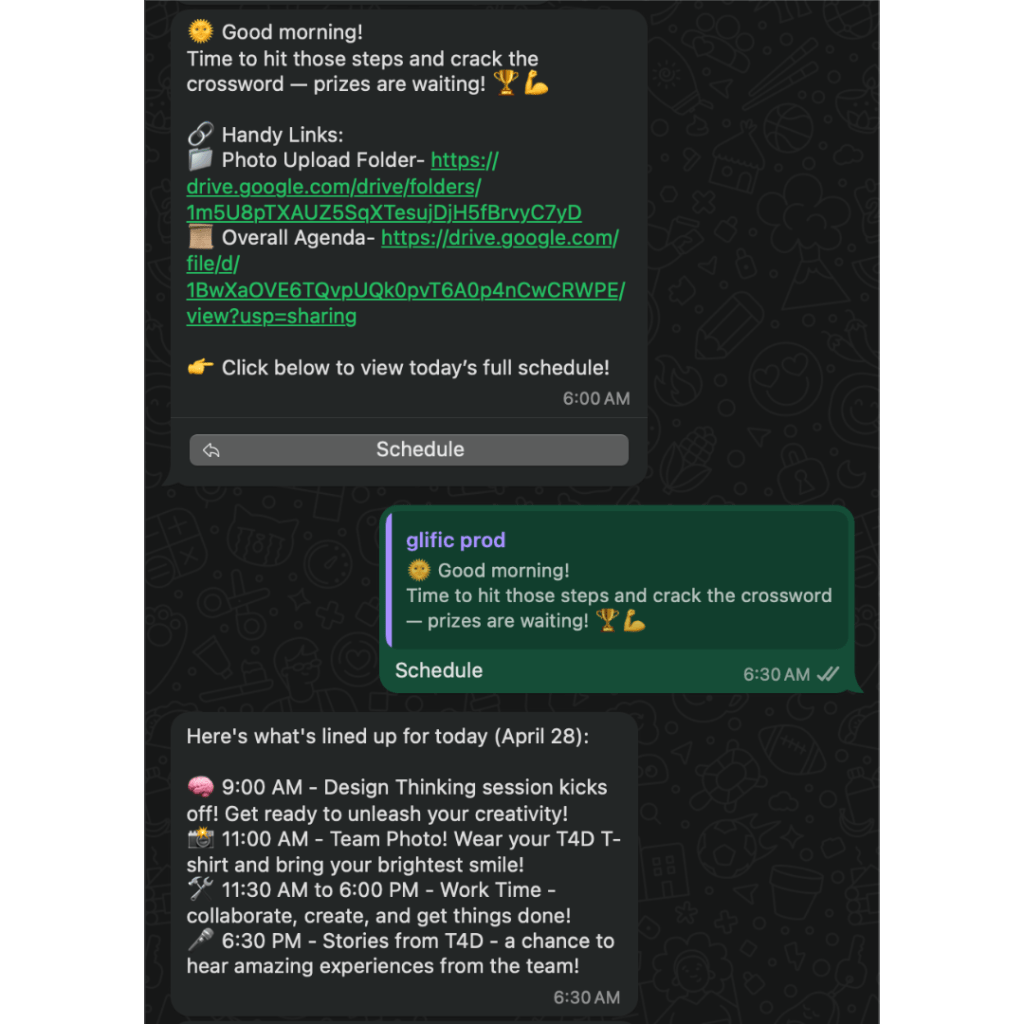
In addition to reminders, I also set up the bot to send out the day’s full sprint schedule every morning — neatly organized by product. It quickly became a useful anchor for everyone to refer back to throughout the day.

The Steps Challenge
One of the sprint activities already planned was the Steps Challenge six teams, tracking their daily step counts, with a light touch of friendly competition to the week.
As soon as I saw it on the sprint plan, I knew: this is where the Sprint Bot could really shine.
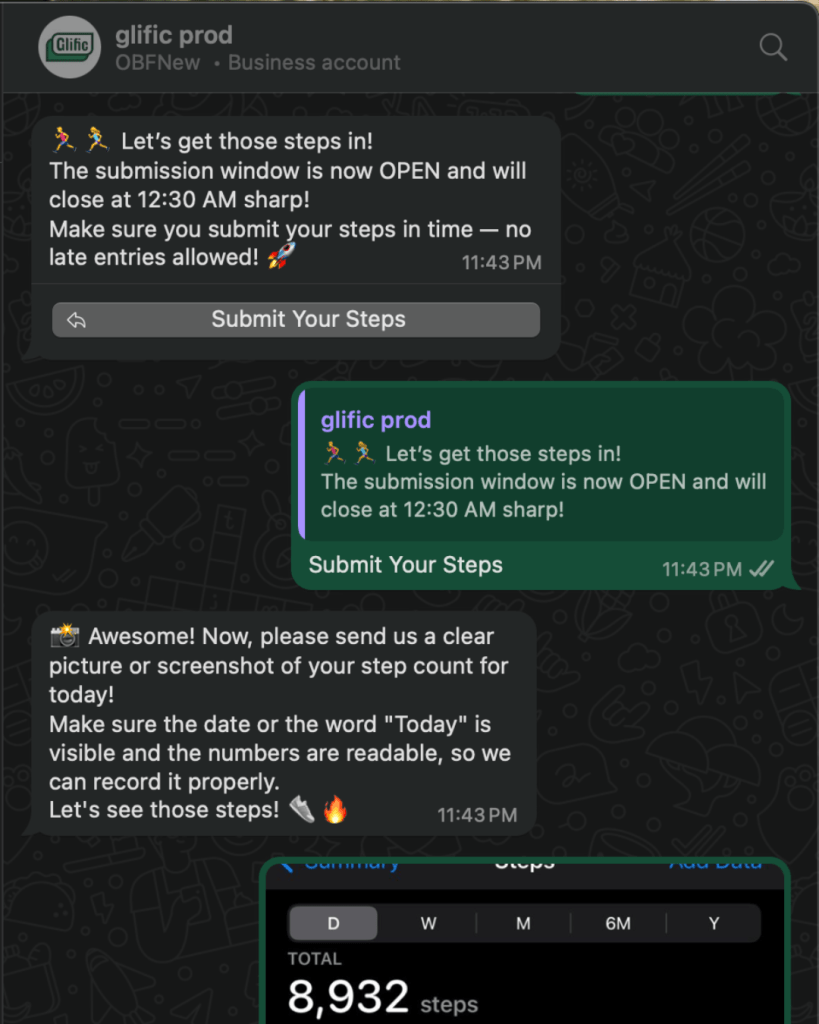
I created a Glific flow for submitting daily steps. Each evening, the bot would ask users to upload a screenshot or photo of their health app or smartwatch step count. And every morning, the leaderboard was shared.
I used the GPT Vision webhook to read the image and then stored the steps in a google sheet along with team names.
Here’s the prompt I used:
“Here’s an image showing a step count from a fitness app or device. Please look at the image and extract only the number of steps walked today. Return just the number, no extra text. Make sure the steps are of today by checking if the picture either has today or today’s date in it.”

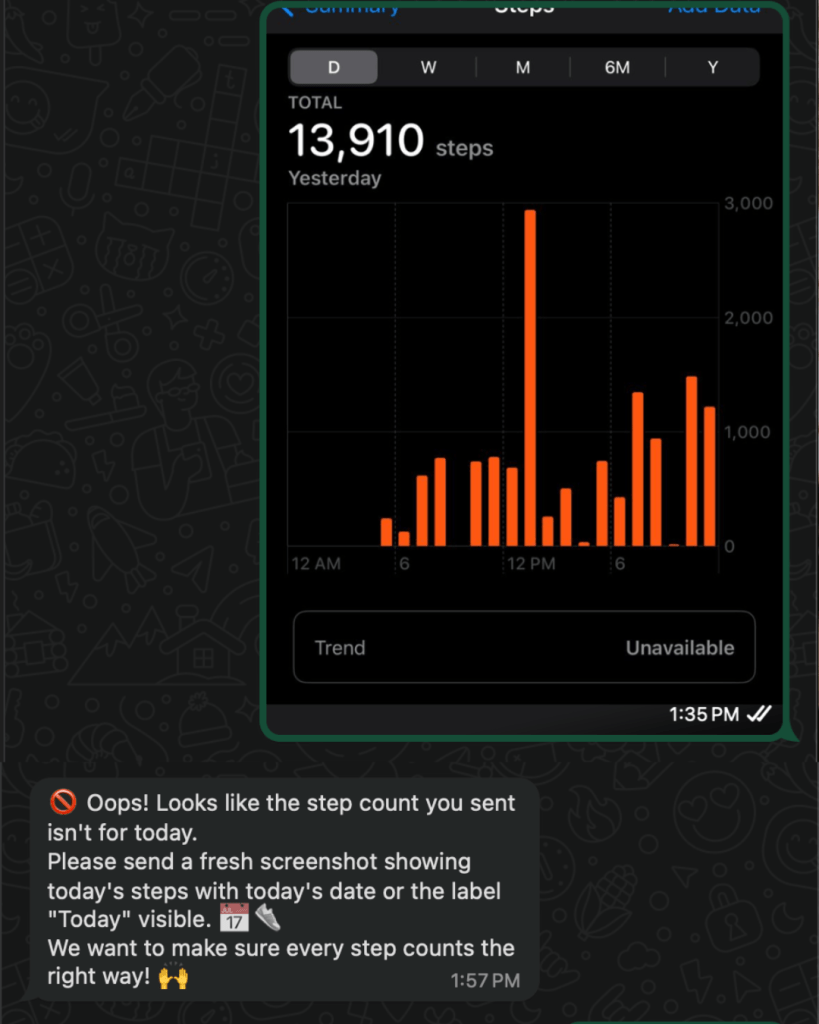
It worked beautifully.
Well… until someone got creative.
Turns out, the same AI tools I used to read step counts could also be used to generate them. A few folks experimented with fake screenshots using ChatGPT — and some of them passed the check.
It was a fun twist I hadn’t anticipated, but it gave me the nudge to improve things further.
The Leaderboard
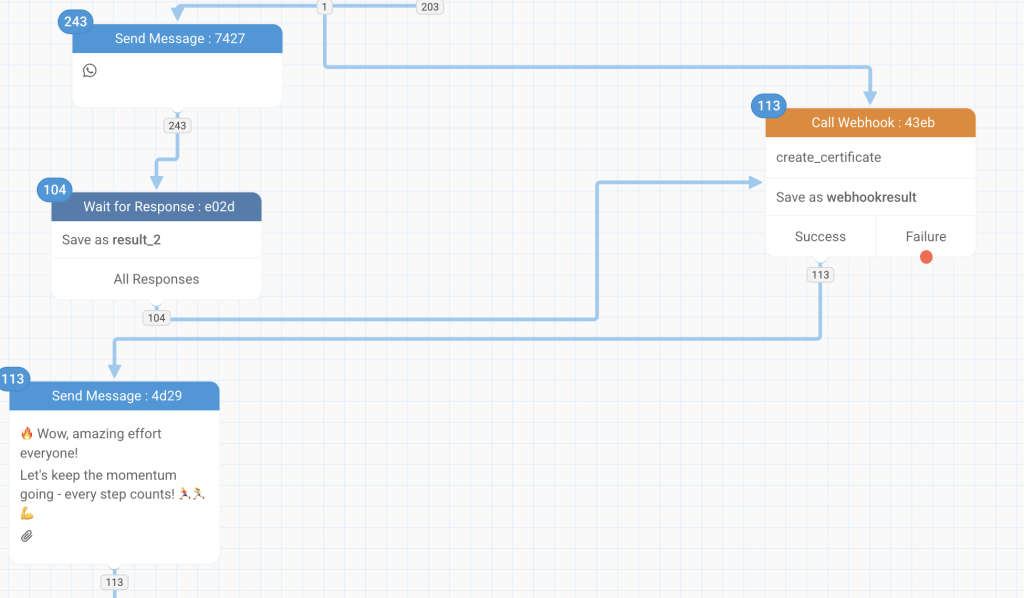
Each morning, the leaderboard updated with team totals and rankings — all generated automatically using Glific’s new Custom Certificates feature and Google Sheets.
It wasn’t just a static scoreboard. It quietly kept the momentum going and gave everyone a little something to look forward to each morning.

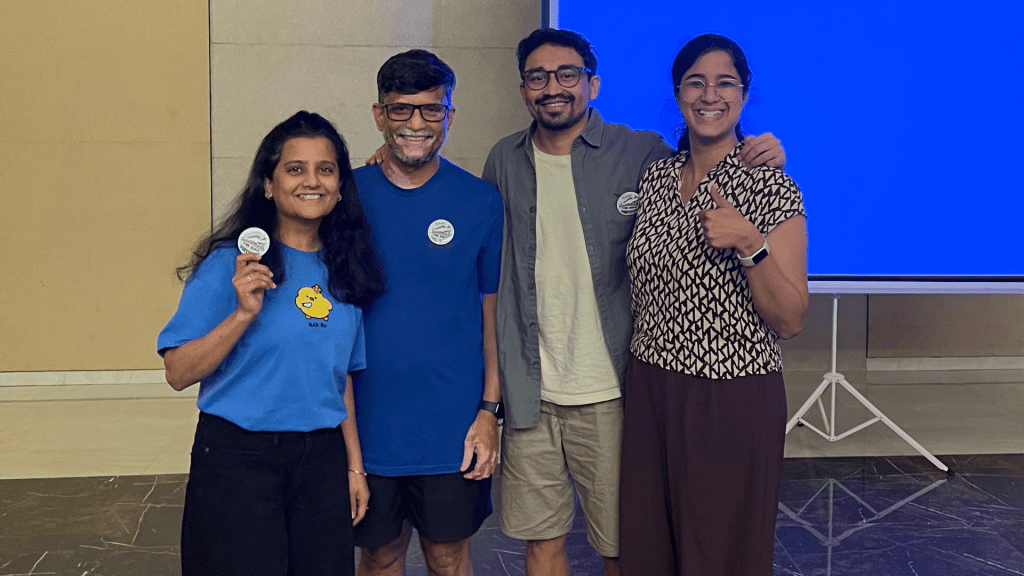
The winning team of the steps challenge was Team Thomas, consisting of Vijay, Pratiksha, Diana, Tejas, Krishna, Stuti and Erica. They stood out not just for their step count, but for remembering to submit their entries every single day.
Looking Back
This whole experiment started with a simple reminder bot. But along the way, I got a front-row seat to what it really takes to build for users not just as a developer.
Here are a few things I took away from the experience:
- How tricky “simple” things can be when timing and scale matter.
- Why interactivity and engagement matter just as much as functionality.
- What it takes for NGOs to design and test flows that truly work for their communities.
And honestly? I had a lot of fun doing it.
It was a small idea that turned into a meaningful learning experience one that gave me a deeper appreciation for the tools we build, and the people we build them for.
By stepping into the user’s shoes, even briefly, I not only understood the gaps more clearly but also rediscovered the joy of building with empathy.
