
Data integration is a crucial aspect of modern data engineering, enabling seamless data flow across various systems. I’ve had the opportunity to delve into the world of Airbyte connectors, particularly using the PyAirbyte library. In this blog, I’ll share my experience and insights gained from working with the PyAirbyte connector for Airbyte.
Getting Started with PyAirbyte
Installing PyAirbyte is straightforward. You can install it using pip:
pip install airbyte
Once installed, you can start exploring the available connectors. In my case, I wanted to integrate data from Avni, so I began by getting the source and available connectors:
import airbyte as ab

source = ab.get_source(
    "source-avni",
    config={"count": 5_000},
    install_if_missing=True,
)
result = ab.get_available_connectors()

print(result)
This code snippet retrieves and prints a list of available connectors, showcasing Airbyte’s extensive integration capabilities.
Configuring and Reading Data
To configure the source and read data, I set up the configuration details for the Avni source. The configuration includes essential parameters like username, password, and start date.
source.set_config(
    config={
        "username": "api@rwb2023",
        "password": "",
        "start_date": "2000-10-31T01:30:00.000Z"
    }
)
source.select_all_streams()
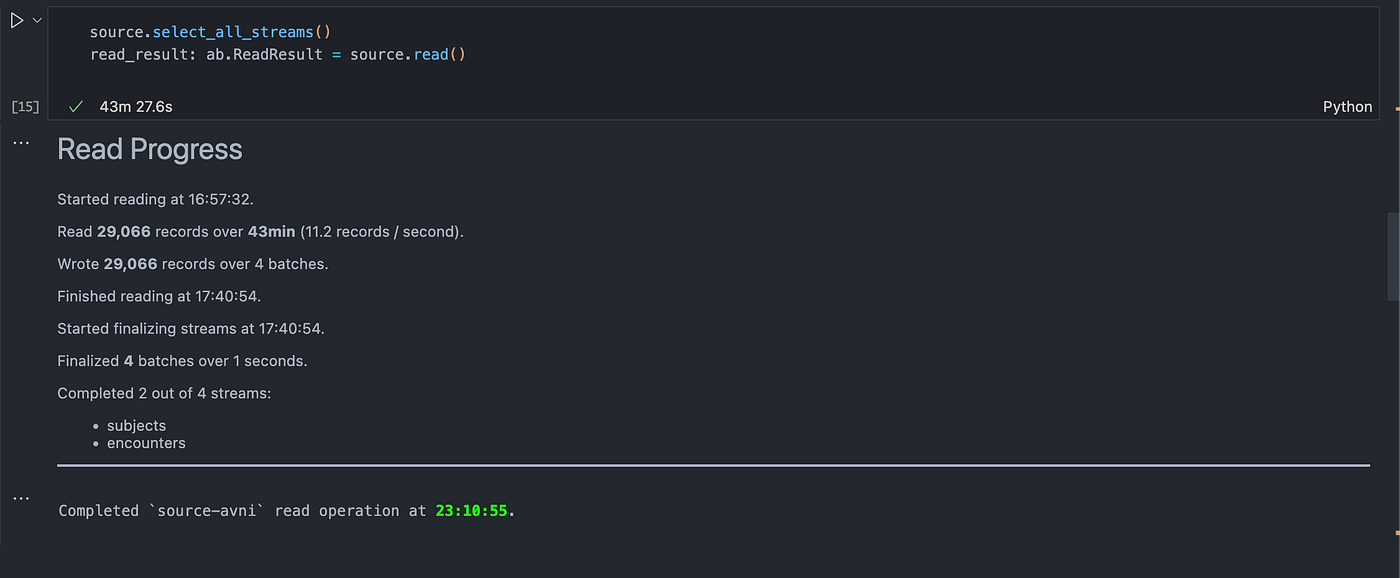
read_result = source.read()
The source.read() method initiates the data reading process. It fetches the data and stores it in the read_result variable. This method also provides detailed progress updates, making it easier to monitor the data extraction process.
Working with Extracted Data
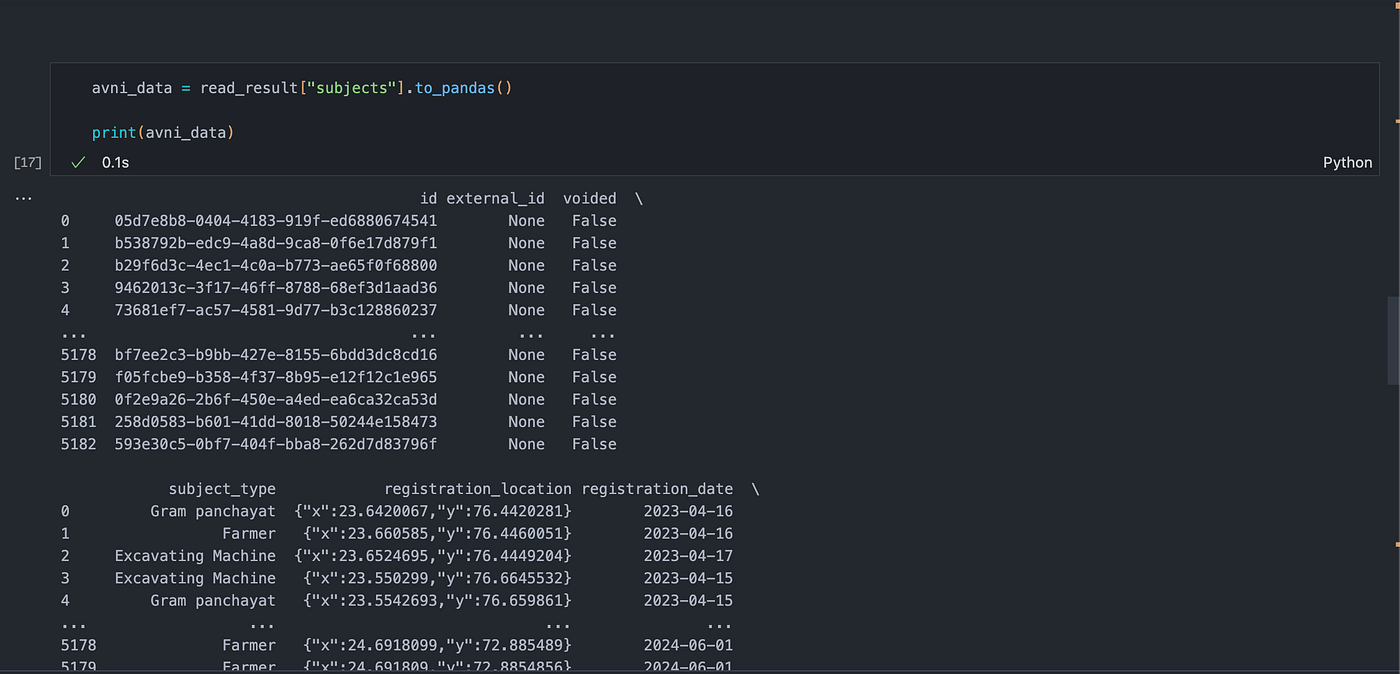
After the data is read, I converted it to a pandas DataFrame for further analysis and manipulation.
avni_data = read_result["subjects"].to_pandas()
print(avni_data)
This DataFrame contains various fields such as id, external_id, subject_type, registration_location, and more, allowing for comprehensive data analysis.
Incremental
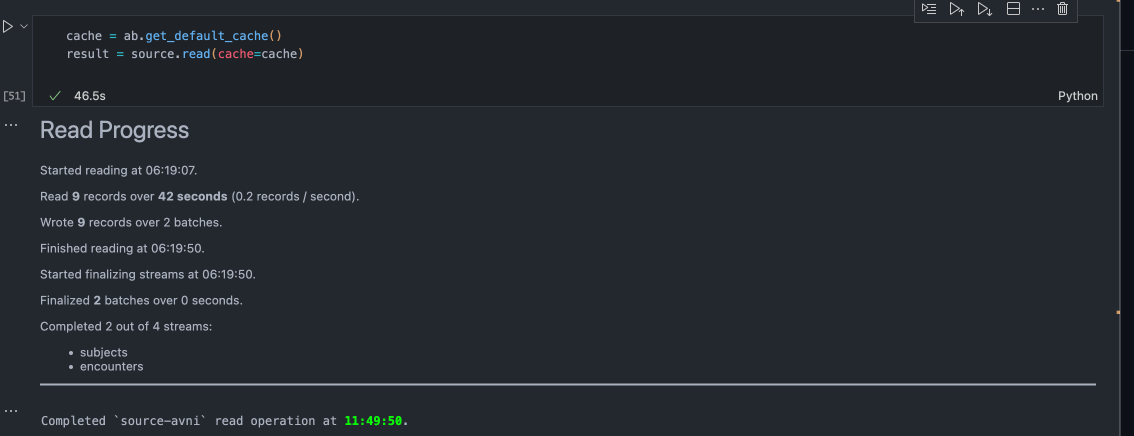
I tried to run the incremental with this command and it was able to read only updated records
Insights and Learnings
- Ease of Use: The PyAirbyte library simplifies the integration process, making it accessible even for those with limited data engineering experience.
- Extensive Connectors: Airbyte offers a vast array of connectors, enabling seamless integration with numerous data sources. This flexibility is invaluable for projects requiring diverse data inputs.
- Real-time Monitoring: The library provides real-time progress updates during data extraction, enhancing transparency and control over the process.
- Error Handling: While working with the library, I encountered a few errors, such as passing incorrect arguments. The error messages were clear and helpful, aiding in quick resolution.
Few questions I’ve is
- Currently it stores the data in cache when I read records from the source. So how does pyairbyte store the data in cache using duckdb
- I’ve to find a way to push the data in to the postgres destination or biguqery to validate it.
I couldn’t find anything on this today.
Thanks